You can sign up for FairShare for Business for free and start setting up in a few minutes.
Sign up
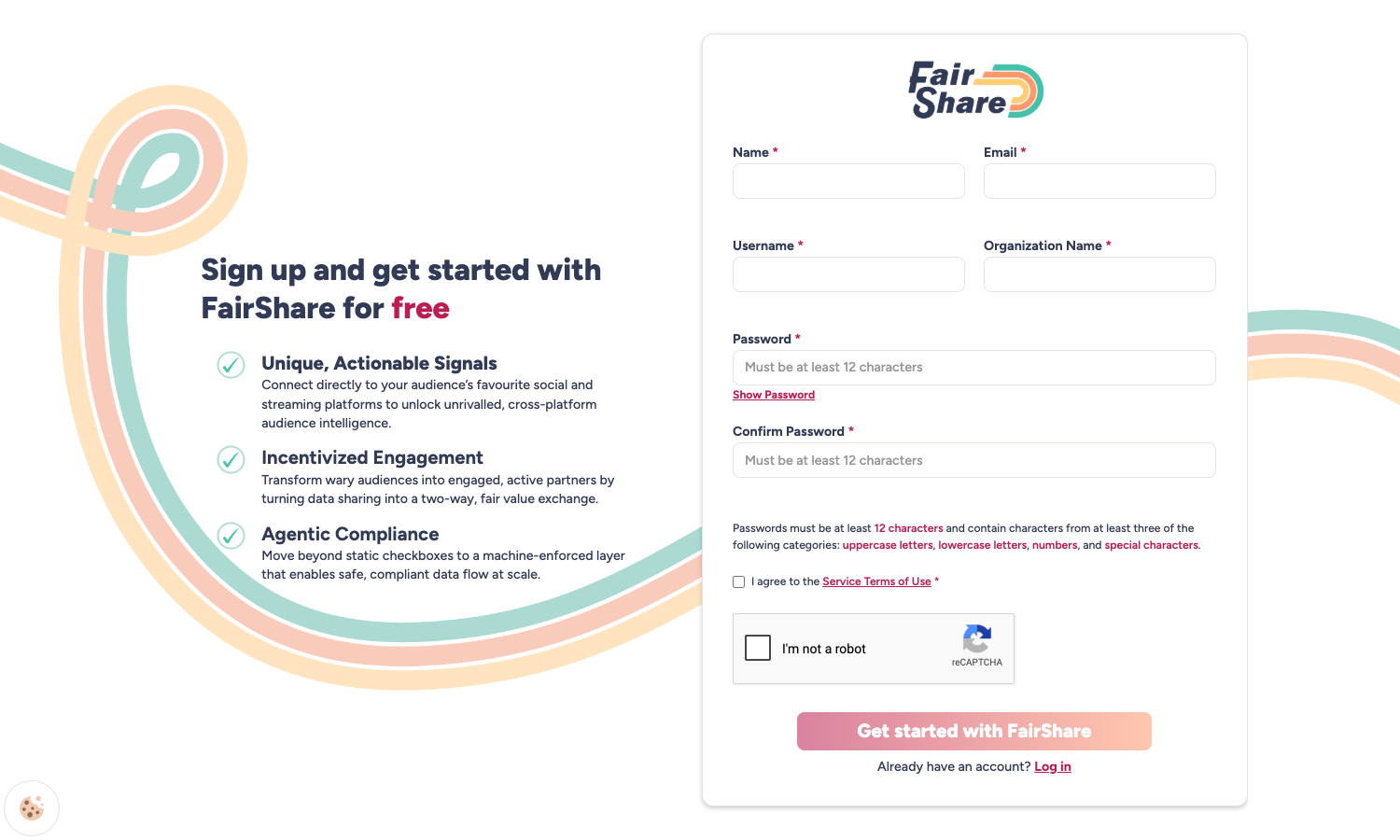
- Go to the FairShare for Business sign-up page.
- Enter your name, email address, a username, your organization name and a password.
- Your username needs at least 8 characters.
- Your password needs at least 12 characters and must include characters from at least three of these groups: uppercase letters, lowercase letters, numbers and special characters.
- Select the checkbox to accept the Service Terms of Use and complete the reCAPTCHA.
- Select Get started with FairShare.
Verify your email address
Check your inbox. Two emails arrive within a few seconds from FairShare: Welcome to FairShare and Please verify your email address. They can arrive in either order.
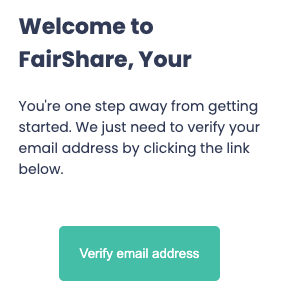
Open Please verify your email address and select Verify email address. If you can't find it, check your spam or junk folder.
A confirmation page says your email is verified, and you are signed in to your dashboard.
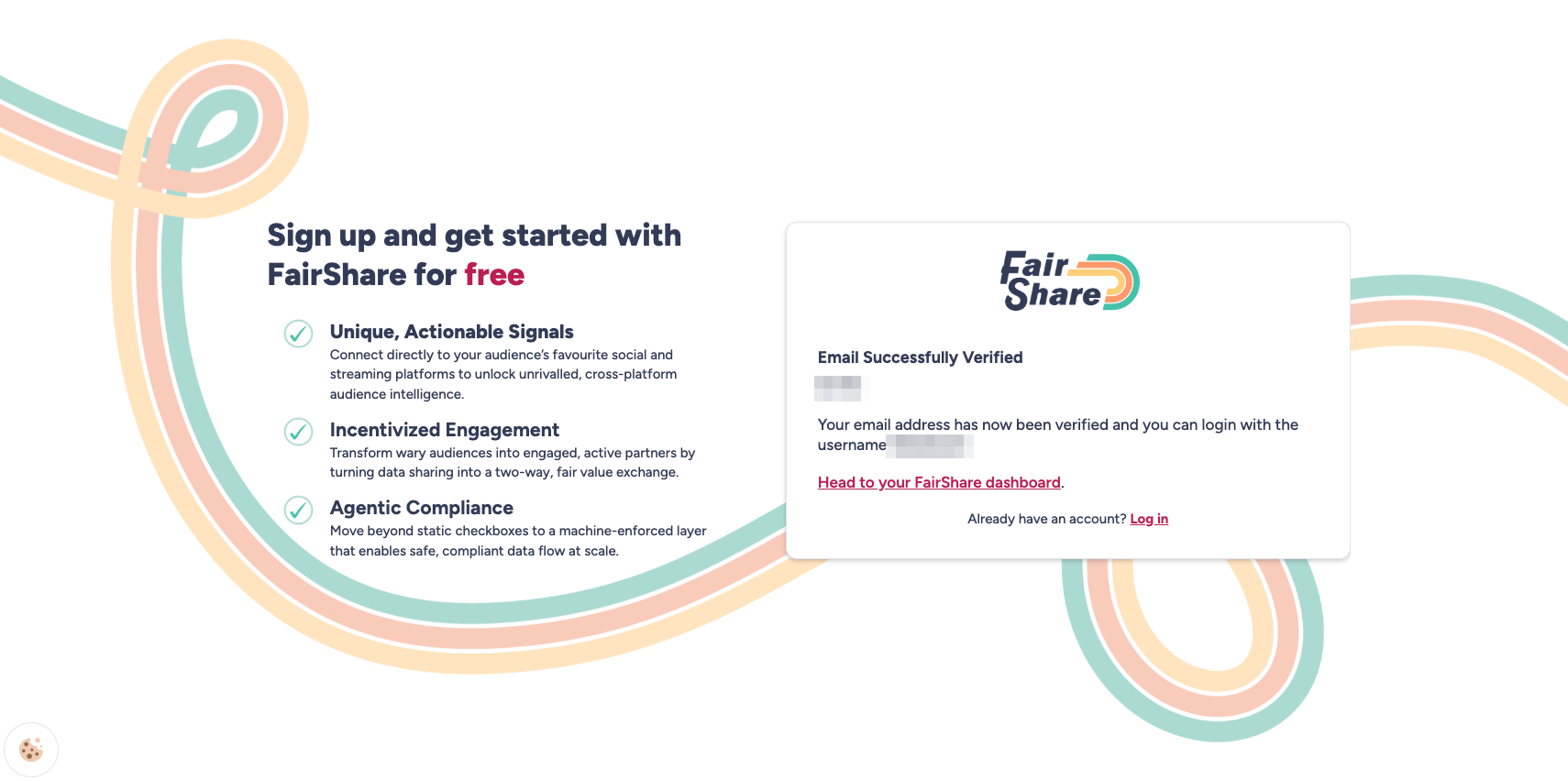
If you select the verification link again later, the page tells you the email is already verified. If your verification link doesn't work, contact support and we'll help.
Signing in later
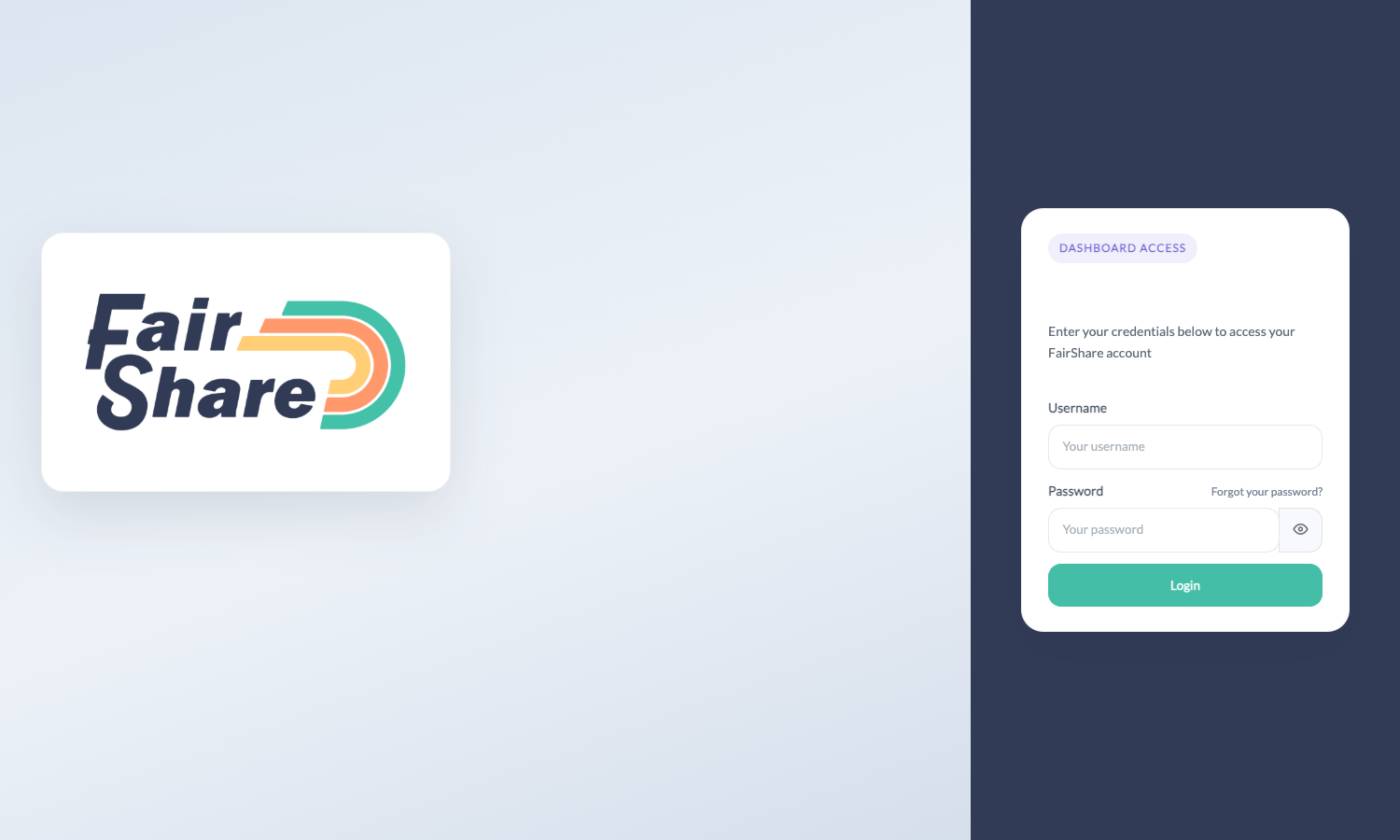
You sign in with your username. It is in the Welcome to FairShare email. If you forget your password, select Forgot your password? on the sign-in page and enter your email address to get a reset link.
Next step
Complete the four setup steps on your dashboard home page, starting with Add Your Privacy Policy.
Need help? Submit a request and choose "AE Connect install" or "Other". Include your username. Never send your password.
Was this article helpful?
That’s Great!
Thank you for your feedback
Sorry! We couldn't be helpful
Thank you for your feedback
Feedback sent
We appreciate your effort and will try to fix the article