You don't sign up for My FairShare directly. Your account is created when you register on a website or app that uses FairShare. After you register, FairShare emails you a link to finish setting up.
What to expect
Register on the business's site, using your email address.
Check your inbox for an email from FairShare with the subject Finish setting your password. It names the business you signed up with. Check your spam or junk folder if you can't find it.
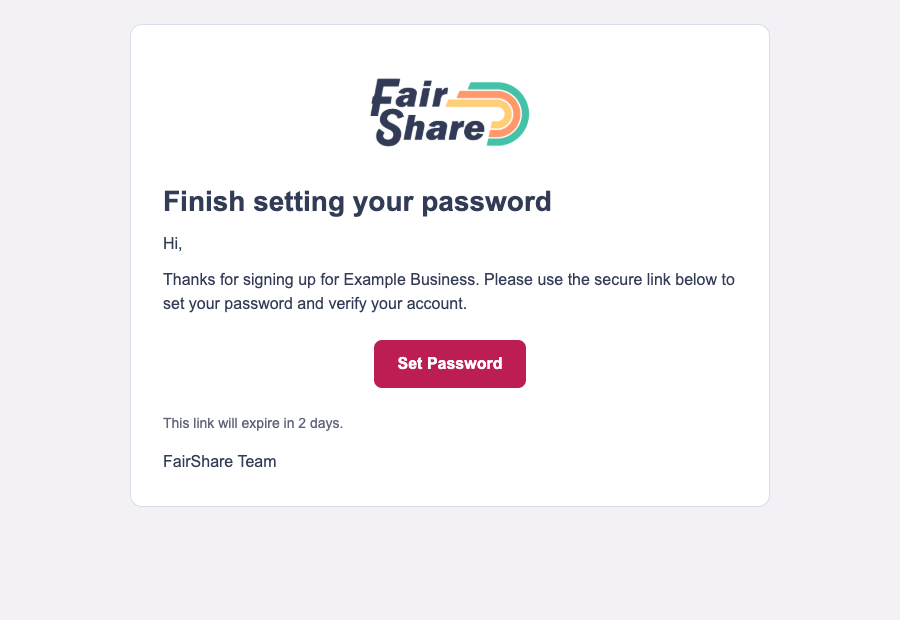
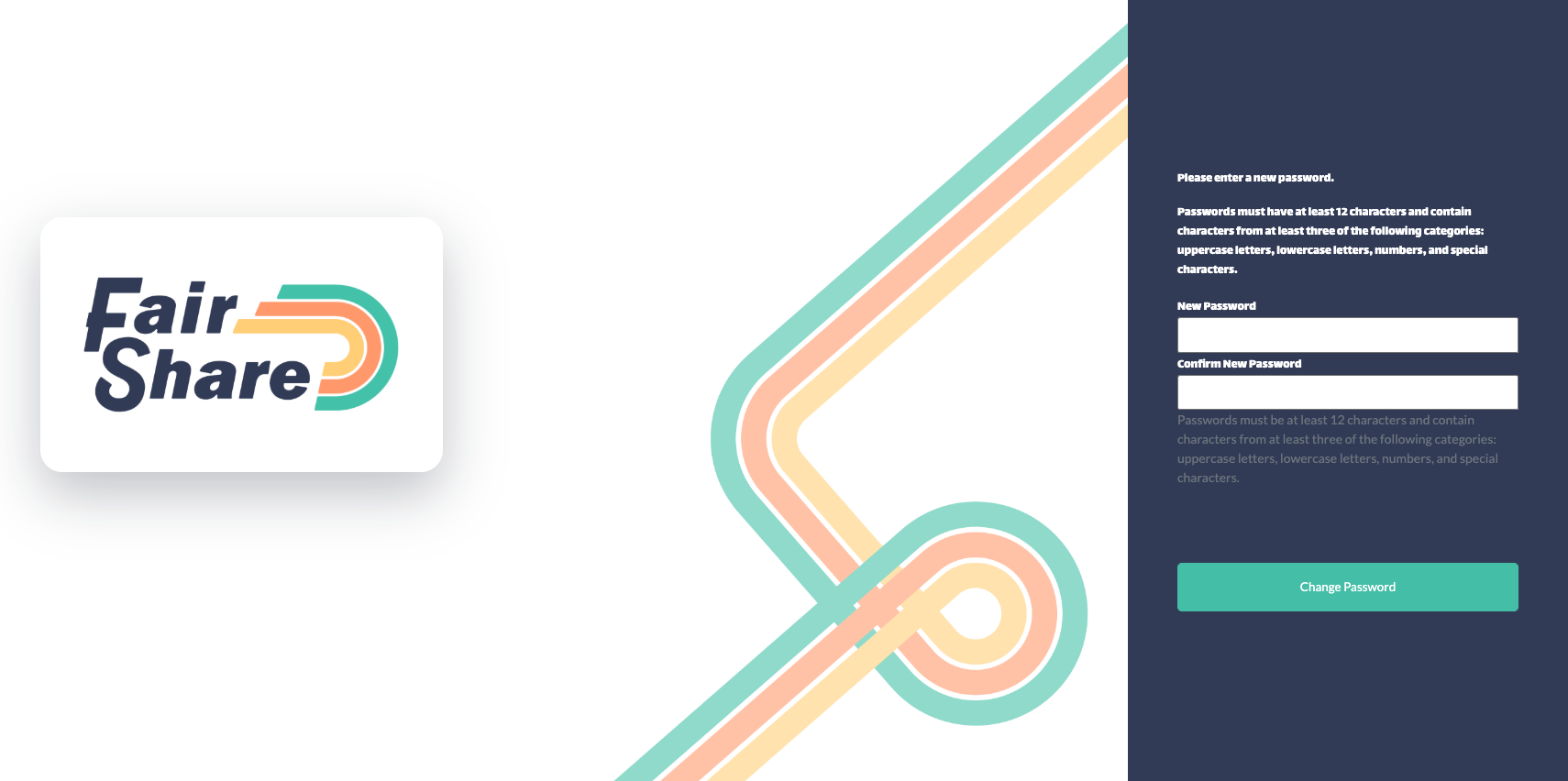
Select Set Password and choose a password. It needs at least 12 characters and must include characters from at least three of these groups: uppercase letters, lowercase letters, numbers and special characters.
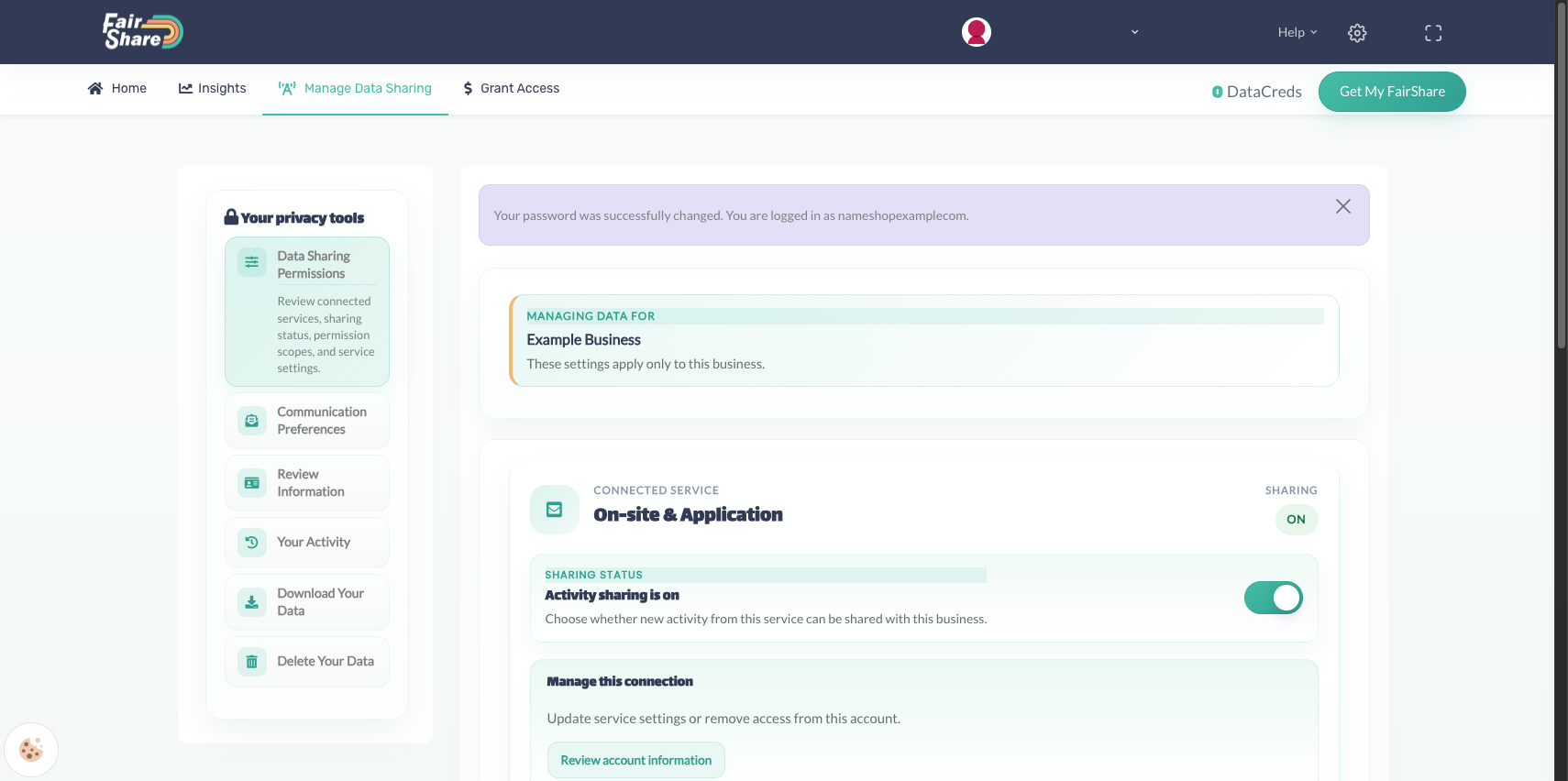
When you save it, you're signed in to your Privacy Center. The confirmation message shows your username. Write it down, because you need it to sign in next time. See Signing in to My FairShare.
The link in the email works for 2 days. If it doesn't work, see My setup link says it is invalid or expired.
If you get a Welcome to FairShare email instead
Some businesses let you choose a password when you register. In that case, FairShare sends an email titled Welcome to FairShare. It starts with "Good news" and names the business you registered with.
The email shows your username next to "Current Username" and has a Set Your Password button. Write your username down, because you need it to sign in. See Signing in to My FairShare.
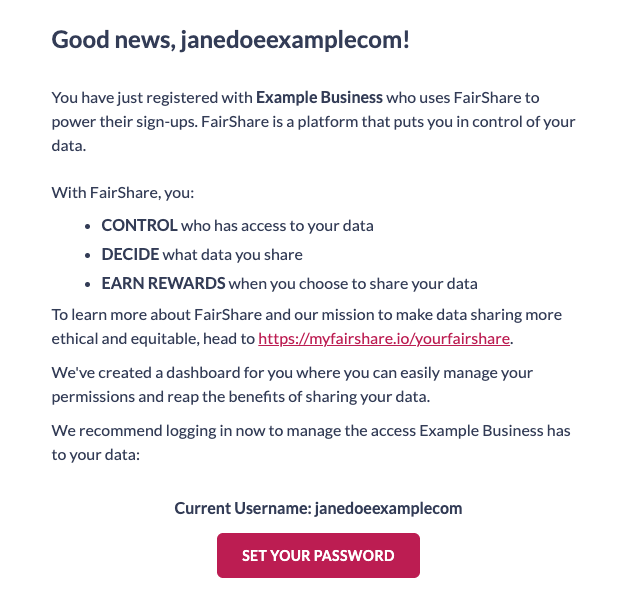
Both emails come from FairShare. If you can't find either one, check your spam or junk folder.
What you can do in your Privacy Center
Choose which activity is shared with each business, change your email preferences, download your data and delete your data. See Download your data and Delete your information and account.
Was this article helpful?
That’s Great!
Thank you for your feedback
Sorry! We couldn't be helpful
Thank you for your feedback
Feedback sent
We appreciate your effort and will try to fix the article