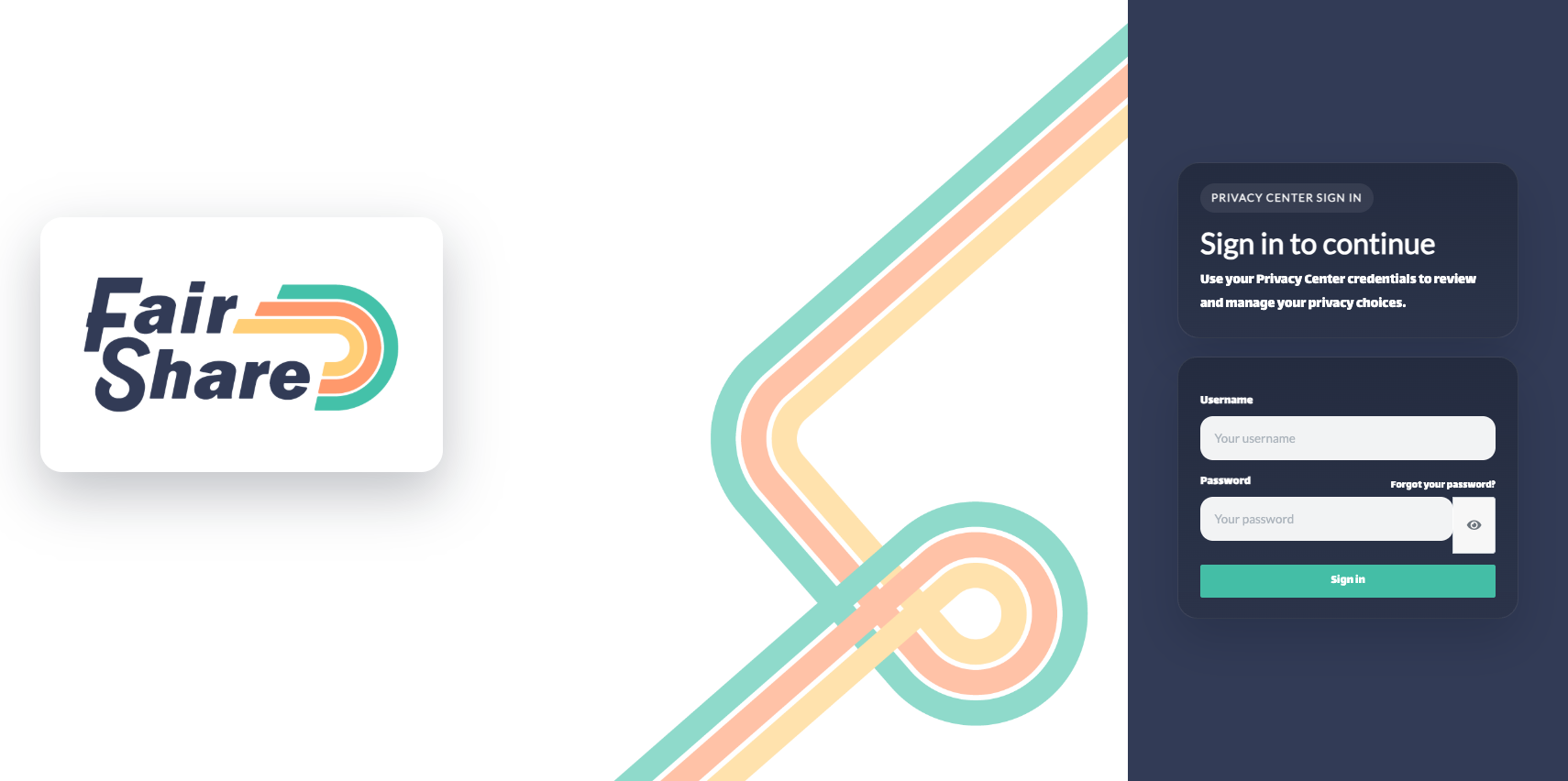
- Go to the My FairShare sign-in page: get.myfairshare.io/privacycenter.
- Enter your username and your password. Your username is shown when you first set your password.
- Select Sign in.
Where do I find my username?
Your username is generated from your email address with the punctuation taken out. For example, name+shop@example.com becomes nameshopexamplecom. It's shown in the message you see right after you first set your password. If the site you registered with gave you a password to choose at sign-up, your welcome email also lists it as "Current Username".
If you can't find it, submit a request, choose My FairShare account, send it from the email address you registered with, and tell us which business you signed up through. Our team will help you from there.
Your request has to come from the email address you registered with. We share the username only for that email address.
I forgot my password
On the sign-in page, select Forgot your password?
Enter your email address and select Send Me A Reset Link.
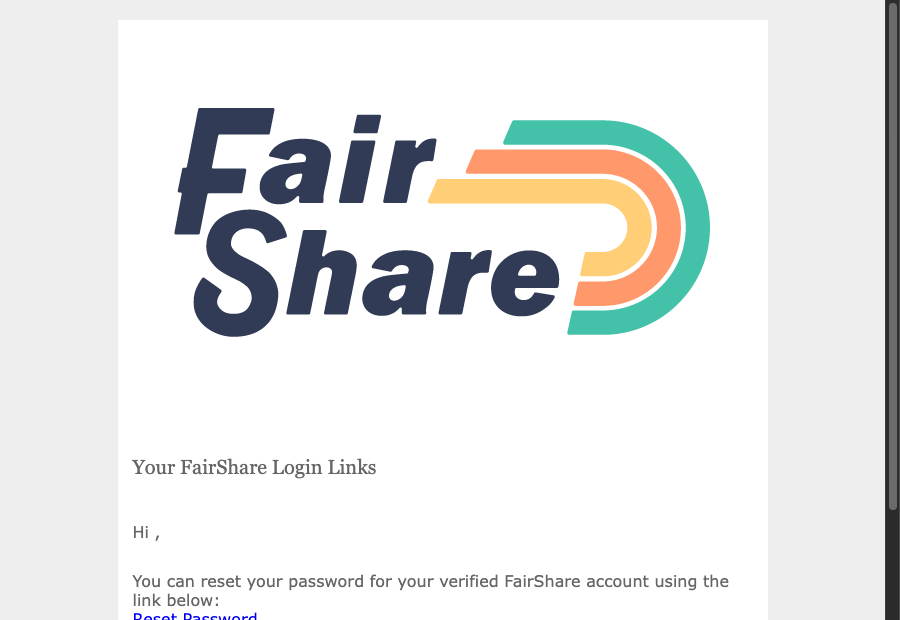
Open the email titled Reset Password and select the Reset Password link in it. The link works for 2 days.
If the link says it is invalid or expired, see My setup link says it is invalid or expired.
Change your username or password
After you sign in, select Profile in the settings menu. You can change your name, username and password there. You can't change your email address yourself. To change it, submit a request.
Was this article helpful?
That’s Great!
Thank you for your feedback
Sorry! We couldn't be helpful
Thank you for your feedback
Feedback sent
We appreciate your effort and will try to fix the article